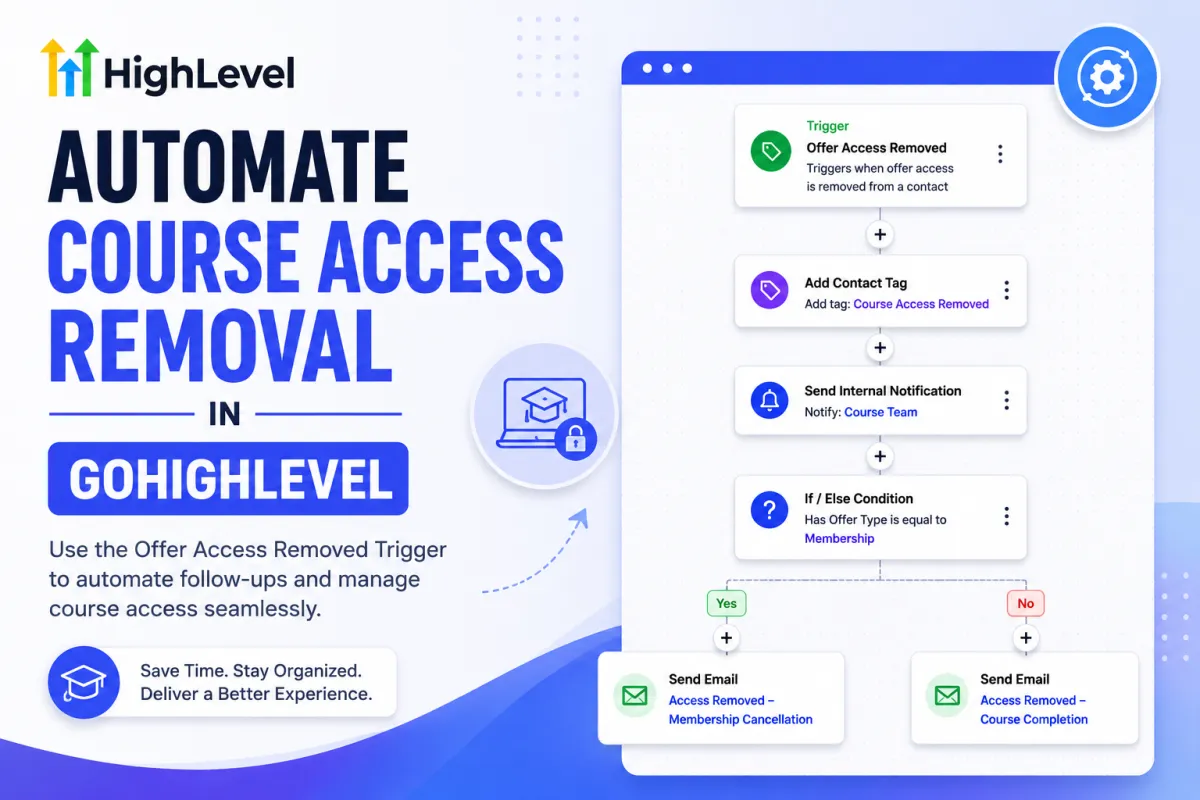
How to Automate Course Access Removal in GoHighLevel

How to Automate Course Access Removal in GoHighLevel

How to Automate Course Access Removal in GoHighLevelWispcode Team
Published on: 19/08/2026

Learn how to automate course access removal in GoHighLevel using the Offer Access Removed trigger, workflow actions, conditions, tags, and follow-up automation.

Offer Access Removed Trigger GoHighLevelGoHighLevel Offer Access AutomationAutomate Course Access RemovalGoHighLevel Course AutomationGoHighLevel Membership AutomationCourse Access Removed WorkflowGoHighLevel Workflow TriggerAutomate Membership AccessGoHighLevel Course Access ManagementCourse Access AutomationOffer Access Management in GoHighLevel
Master Contact Tag Automation in GoHighLevel for Smarter Customer Workflows

Master Contact Tag Automation in GoHighLevel for Smarter Customer Workflows

Master Contact Tag Automation in GoHighLevel for Smarter Customer WorkflowsWispcode Team
Published on: 05/08/2026

Learn how to use the Contact Tag Trigger in GoHighLevel to build personalized workflows that automatically respond to customer actions. This guide explains setup, best practices, real use cases, and workflow automation tips to help you create smarter

GoHighLevel Contact Tag TriggerGoHighLevel Workflow TriggerContact Tag AutomationPersonalized Workflows in GoHighLevelGoHighLevel Automation TriggersGoHighLevel Workflow AutomationGoHighLevel Contact TagsGoHighLevel CRM Automation
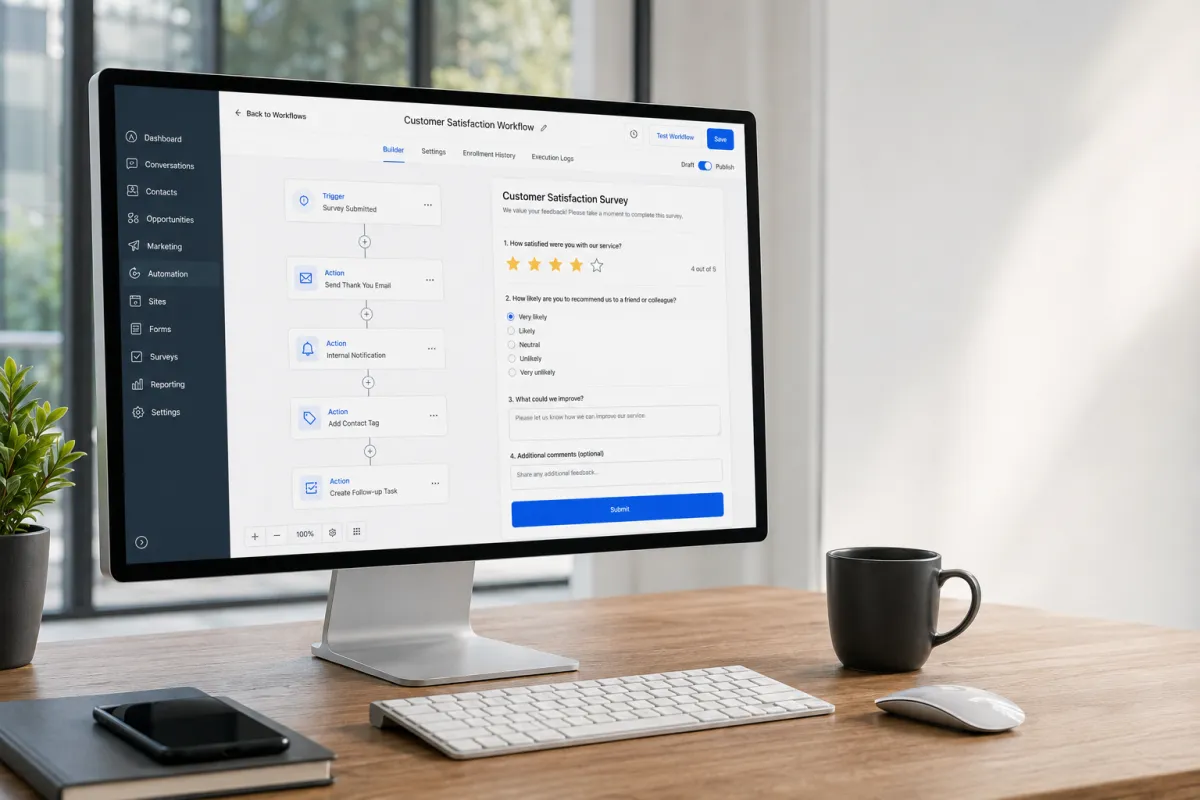
Survey Workflow Automation

Survey Workflow Automation

Survey Workflow AutomationWispcode Team
Published on: 02/08/2026

Learn how to automate customer feedback using the GoHighLevel Survey Submitted Trigger. Discover how to streamline follow-ups, organize CRM records, and improve workflow efficiency.

Survey Submitted TriggerGoHighLevel Survey Submitted TriggerGoHighLevel Survey AutomationCustomer Feedback AutomationGoHighLevel Workflow TriggerGoHighLevel AutomationCustomer Satisfaction SurveySurvey WorkflowCustomer Feedback WorkflowGoHighLevel WorkflowsWispcode
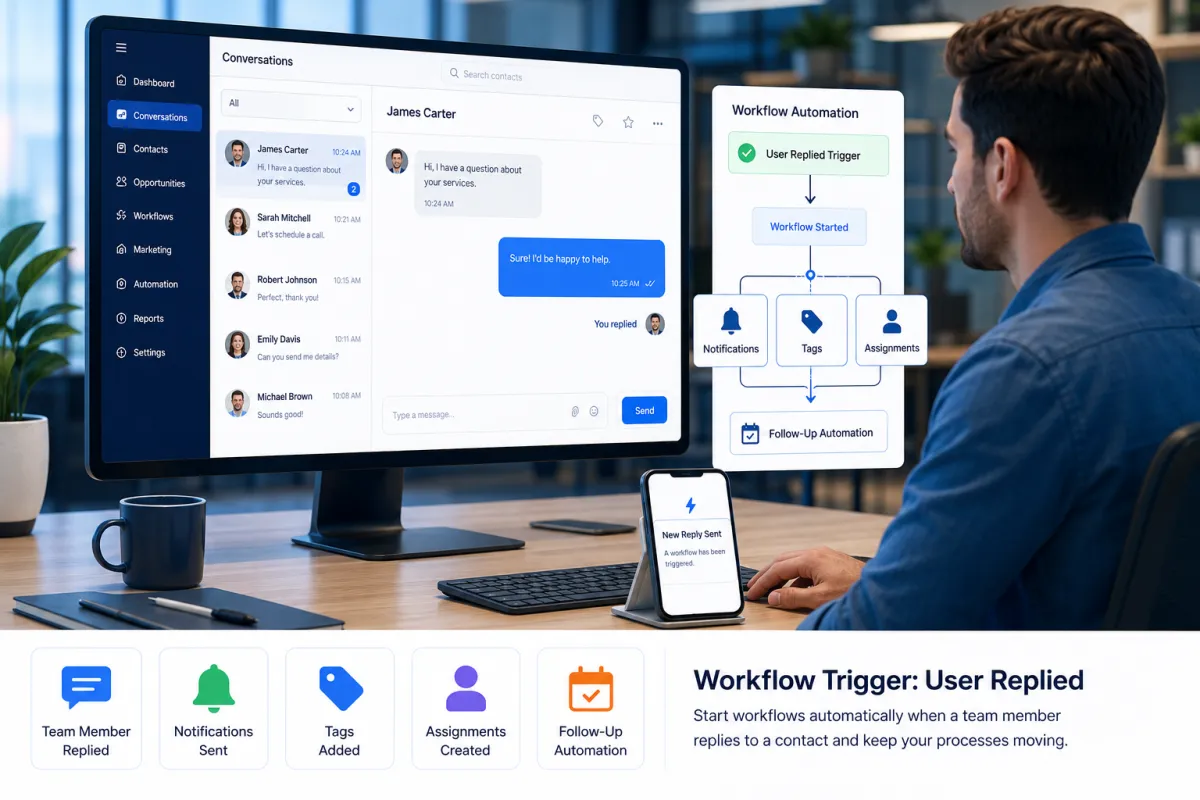
How the User Replied Trigger Works in GoHighLevel

How the User Replied Trigger Works in GoHighLevel

How the User Replied Trigger Works in GoHighLevelWispcode Team
Published on: 29/07/2026

Discover the new Workflow Trigger: User Replied in GoHighLevel. Learn how it automates internal workflows whenever a team member replies to a contact using supported conversation channels.

Workflow Trigger: User RepliedGoHighLevel Workflow TriggerGoHighLevel User Replied TriggerGoHighLevel Automation UpdateGoHighLevel WorkflowsCRM AutomationGoHighLevel New FeaturesWorkflow AutomationInternal Workflow AutomationGoHighLevel Updates

At Wispcode, we deliver pioneering digital engineering strategies that empower businesses to grow with confidence.

Get in touch with us

Email:

Phone:

Hours: 24/7 available

Copyright @2026 Wispcode. All Rights reserved.